

Advanced PDF tools and document control for everyday work.
Fill, sign, edit, convert, and prepare documents in one workflow while keeping your original files untouched.
Work toward a new output while the source file stays intact as the original reference.
Clean scans, prepare images, and finish the document without bouncing between utilities.
Especially strong for repeated document work that needs a clean, controlled final output.
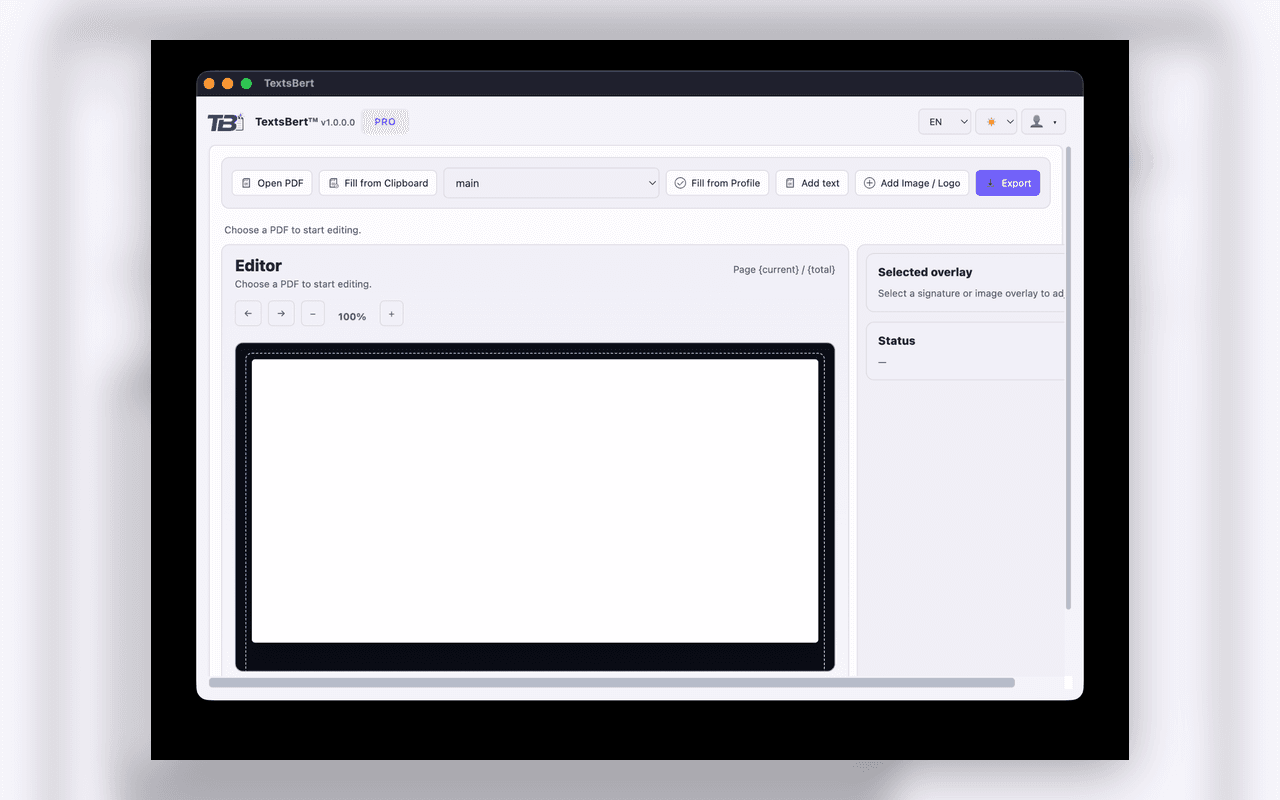
Document editor
Review pages, place content precisely, and export a polished new version.
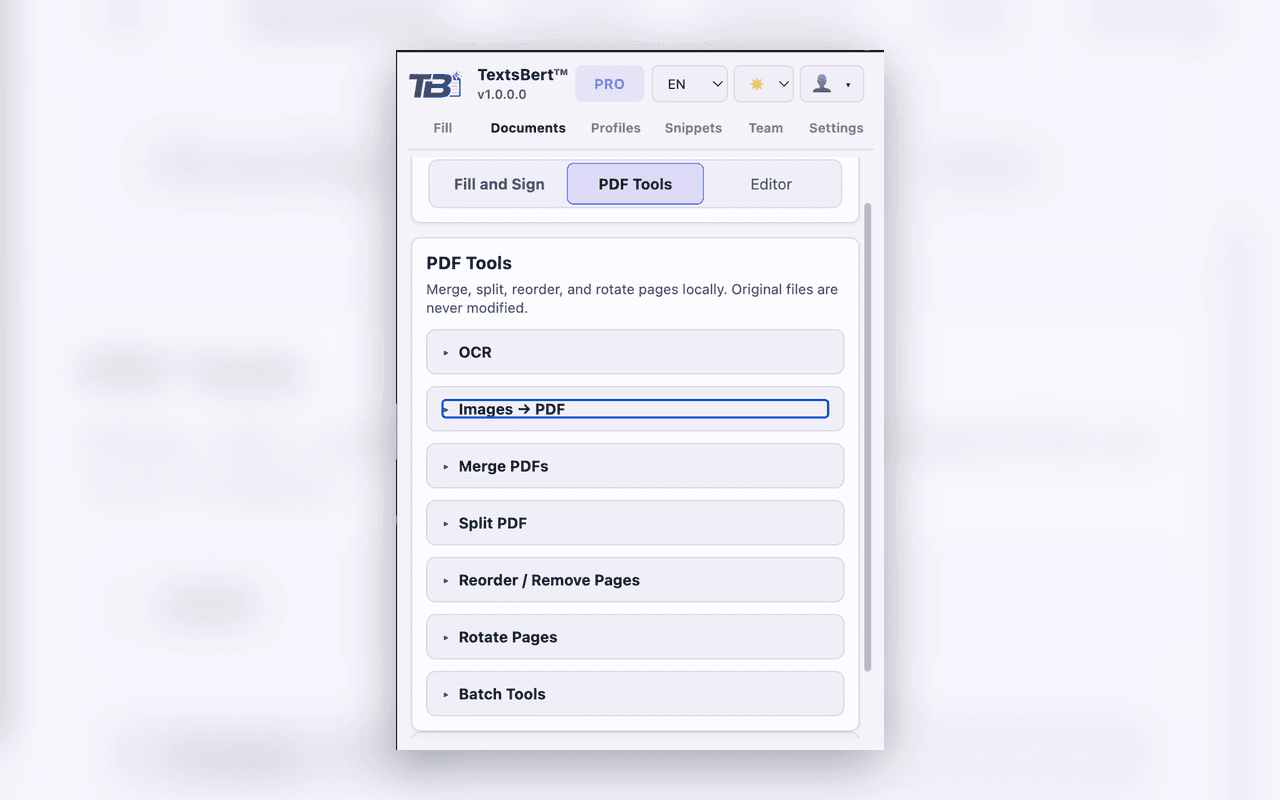
PDF tools
Merge, split, reorder, rotate, run OCR, and prepare files before you send them out.
Handle the full document workflow from one workspace.
Prepare files, edit content, recover scanned documents, and export finished outputs without bouncing between separate tools.
PDF tools and batch operations
Clean up, reorganize, and prepare documents before you share or submit them.
- Merge, split, reorder, remove, and rotate pages locally
- Batch-oriented document handling for repeated admin work
- Images to PDF and conversion-oriented preparation
Editor and overlay control
Add the final details with precision before you export the completed file.
- Open PDFs, choose a profile, and place outputs with control
- Add text, signature, image, or logo overlays where they belong
- Export a new output instead of mutating the original file
OCR and scanned-document recovery
Turn scanned paperwork and image-based files into usable working documents.
- Recover utility from scanned paperwork and image-based PDFs
- Prepare documents before fill, sign, or export
- Use OCR inside the same document workflow
Fill, sign, and business details
Keep signatures, logos, and saved business details ready inside the same document flow.
- Use saved profiles and repeatable business details inside the document flow
- Support signature-ready outputs instead of separate one-off steps
- Keep the work local-first while preserving final user control
From source file to finished document.
Open the file, choose the right tool, review the result, and export with confidence.
1. Open the source file
Bring in your own PDF or start from a practice document. The workflow begins with the actual paperwork in front of you.
2. Choose the right tool
Use PDF tools, the editor, OCR, or fill-and-sign controls based on what the document actually needs.
3. Export a new output
Keep originals unchanged. Review, confirm, and export a new document intentionally.
Try it with sample files or your own documents.
Download a practice PDF, open it in TextsBert, then switch to your own files and data when you are ready.
Use your own data in Try it
Download a practice PDF, open it in TextsBert, then switch to your own files and data when you are ready.
Document power with clear control.
TextsBert keeps document work local-first and keeps the final decision with you.
- Local-first document operations instead of mandatory cloud dependence
- Original files stay unchanged; exports create the new deliverable
- Review and confirmation stay in the user's hands
- Billing, devices, and workspace access stay managed in your account