

Signatures keep PDF approval work inside the same review flow.
Use TextsBert signatures inside PDF Fill when a fillable PDF needs a typed or image-based signature, date placement, and final review before export.
Signatures are part of the released PDF Fill workflow, not a separate document editor.
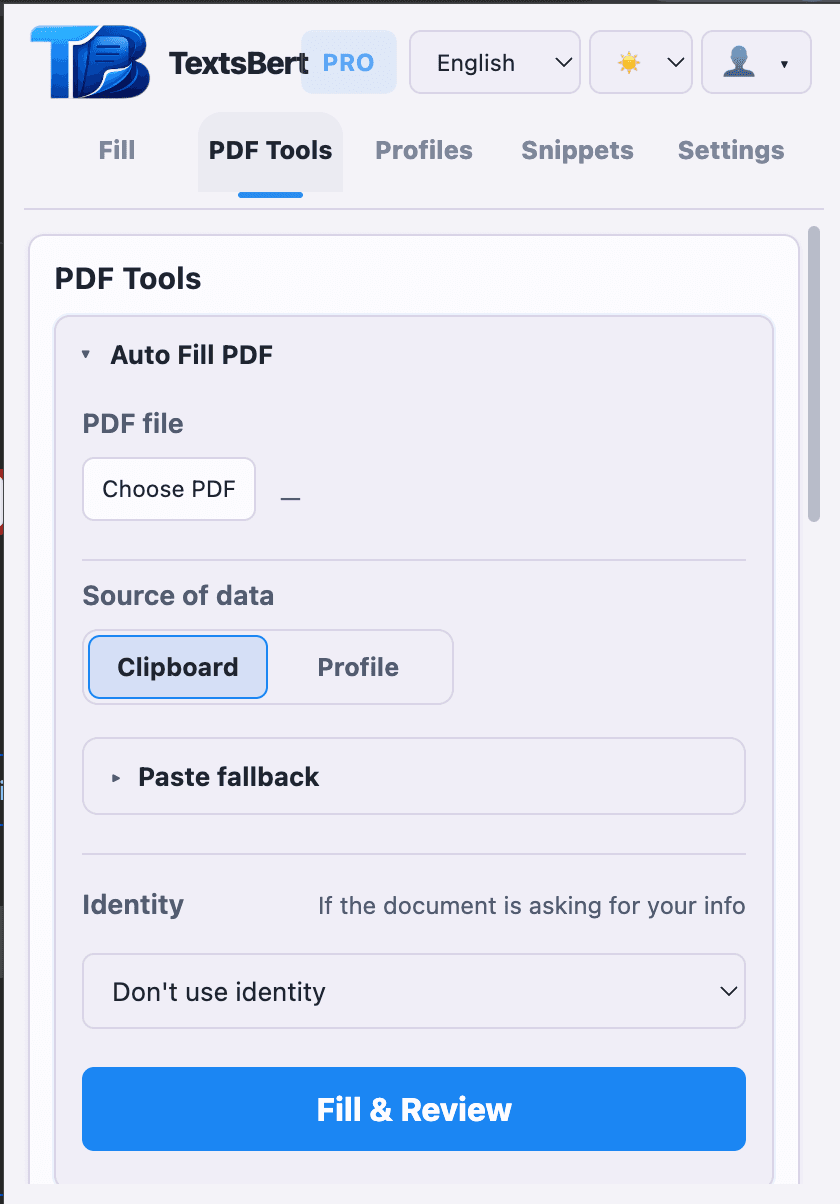
What signature support covers
TextsBert can place signatures inside the released PDF Fill flow when the document is a real fillable PDF and the operator wants the result reviewed before export.
- Use typed signatures or uploaded PNG signatures
- Place signature, date, identity details, and other fill content in the same run
- Keep the PDF review step visible before exporting the finished copy
Why this matters in real paperwork
Signature work is usually not a separate design task. It is part of the same approval or paperwork run. Keeping it inside PDF Fill avoids breaking the workflow into extra tools.
- Run sign-only PDF passes when no other field filling is needed
- Keep originals untouched while exporting a freshly signed copy
- Stay local and reviewable in customer-sensitive document work
Keep going from the page that matches the next question.
PDF Fill
See how TextsBert frames fillable PDFs, review, and export work.
PDF tools
Open the extra PDF file tools when the job goes beyond signing and fillable fields.
Use case: repeated document prep
See where review, signatures, and clean exports belong in recurring paperwork.