

01
Fill
Auto Fill PDF
Fill fillable PDFs from copied text and saved form data with review before export.
Built only for fillable PDFs. Use it when the document already has real fields and needs a careful pass before export.
Convert, organize, protect, and prepare PDFs in TextsBert. Auto Fill PDF handles fillable PDFs with review before export, and the rest of the collection helps you clean up the files you use every day.
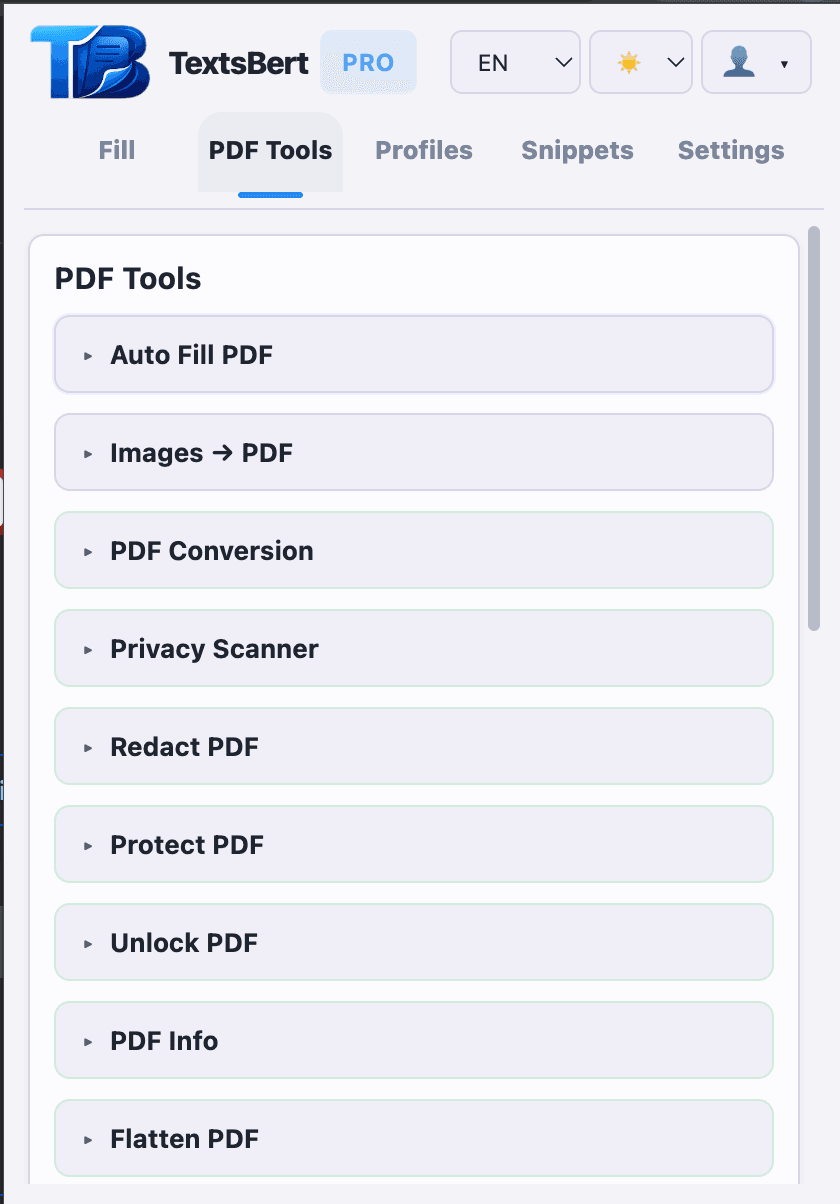
Keep conversion, cleanup, privacy, and page tools in one focused PDF workspace instead of jumping between utilities.
TextsBert reads fillable PDF fields, applies copied text and saved data carefully, and leaves uncertain fields blank instead of guessing.
Conversion, privacy, page cleanup, watermarking, and batch work in one place.
Complete fillable PDFs from copied text and saved form data with review before export.
The actual PDF work stays local-only instead of being sent away for processing.
Stay on the PDF side only: see what each tool does, when to use it, and the kind of document work it solves.
Fill fillable PDFs from copied text and saved form data with review before export.
Built only for fillable PDFs. Use it when the document already has real fields and needs a careful pass before export.
Convert PDFs into the format you need for the next step.
Useful when a PDF has to move into the format the next system, upload step, or archive process actually expects.
Check for details that deserve a closer look before sharing or archiving.
A strong first check before a file is shared outside your team, archived for records, or sent to a customer.
Remove visible sensitive content from the outgoing file.
Use it when visible content has to be removed permanently before the PDF leaves your hands.
Add document protection when a finished file needs tighter access control.
Best for finished files that should open with clearer restrictions and less accidental editing.
Remove restrictions so work can continue on a protected PDF.
Open restricted PDFs so cleanup, edits, or the next export step are not blocked by the source file.
Inspect file properties before you edit, share, or archive a document.
A quick way to inspect a document before changing it, especially when the source is unfamiliar or inconsistent.
Flatten interactive layers into a steadier final export.
Turns forms, comments, and layered elements into a steadier file when you need a predictable final output.
Clean hidden metadata from files that should travel with less baggage.
Helpful when the visible document is fine but the hidden file history should not travel with it.
Number pages so long packets stay easy to review and reference.
Makes long packets easier to review, reference, print, and discuss with other people.
Apply a visible status or ownership mark to the finished file.
Add a visible status or ownership mark when the PDF needs to say draft, approved, internal, or confidential.
Combine related files into one clean packet.
Pull scattered files into one ordered packet so the document is easier to send and easier to review.
Break large PDFs into smaller files for the next handoff.
Break large source files into smaller deliverables when only part of the packet should move forward.
Fix page order and remove pages that do not belong in the final packet.
Clean the packet before export by fixing sequence, trimming dead pages, and keeping only what belongs.
Correct page orientation when a source file arrives sideways or upside down.
Fix sideways or upside-down pages quickly so the finished packet reads cleanly without manual workarounds.
Turn image sets into a single PDF for easier sharing and review.
Best when documents arrive as screenshots, image files, or phone photos and need to become one usable PDF.
Reduce file size for email, uploads, and storage limits.
Reduce file size for uploads, email limits, portals, and storage rules without changing the workflow.
Run repeated page cleanup jobs in one pass when the queue is more than a single file.
Run repeated cleanup steps across more than one file when the same page work keeps appearing.
Free lets you try the product. PRO unlocks full web-form autofill. PRO+ adds all 18 PDF tools and full Auto Fill PDF access.