

PDF guide
Organize
Organize pages and batches
Build clean document packets with page tools that save time on repetitive PDF work.
Add Page NumbersMerge PDFsSplit PDFReorder / Remove PagesRotate Pages
Add Page Numbers • Merge PDFs • Split PDF
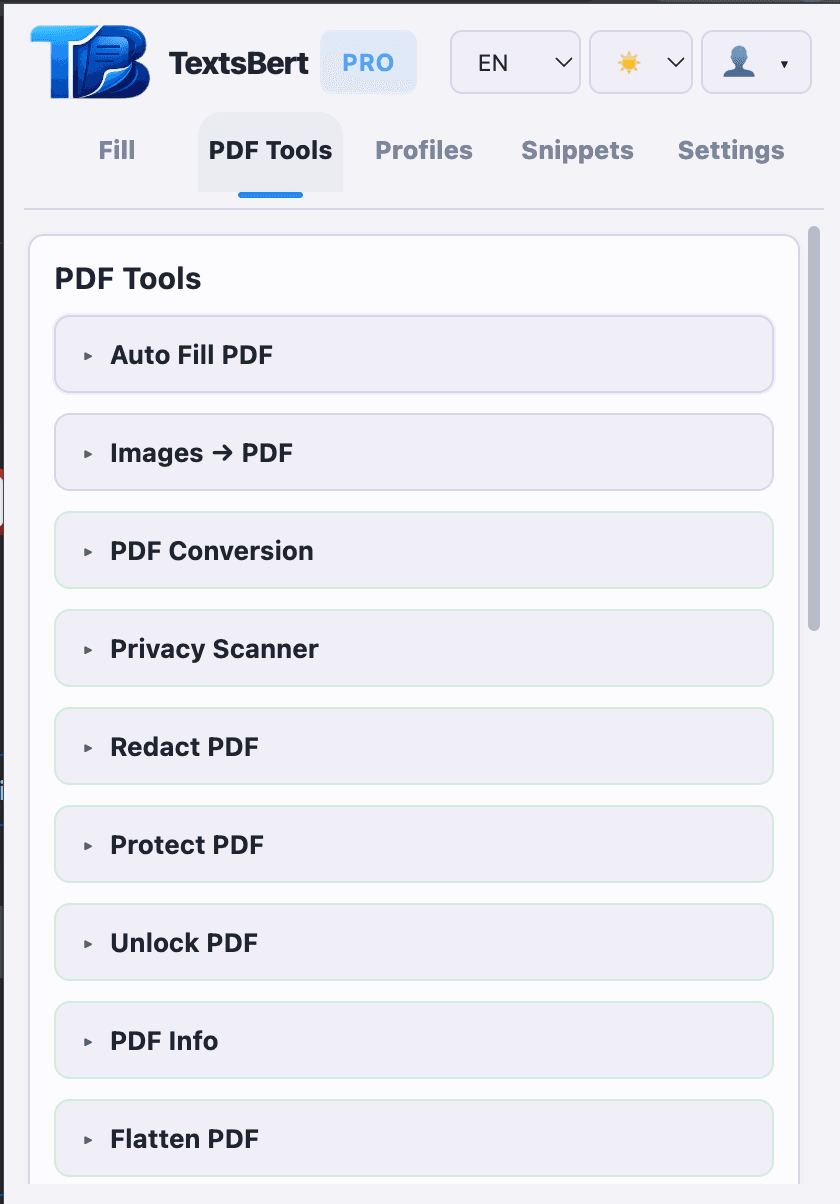
What this guide covers
Use this guide to see which jobs this part of the PDF toolkit handles best.
- Merge, Split, Reorder / Remove Pages, Rotate Pages, Add Page Numbers, and Batch PDF tools
- Useful for recurring packets, billing sets, and onboarding paperwork
- Especially helpful when PDF work becomes part of the daily routine
Included tools
These are the tools grouped under this guide path inside TextsBert.
- Add Page Numbers
- Merge PDFs
- Split PDF
- Reorder / Remove Pages
- Rotate Pages
- Batch PDF tools
How it fits in TextsBert
TextsBert keeps the PDF side local-only and connected to the same account and review flow as the rest of the product.
- The actual PDF work stays local-only instead of being sent out for processing
- You can move from browser work into PDF cleanup without changing products
- Review stays visible before the final export leaves TextsBert
Related pages
Keep going from the page that matches the next question.
18 PDF Tools
TextsBert includes 18 local PDF tools for conversion, privacy, page cleanup, and Auto Fill PDF for fillable PDFs, with review before export.
Open page →
Shipping and billing forms are exactly the kind of repeated work the extension should own.
Shipping and billing forms are a clean extension-first use case with profiles, snippets, review, and supporting PDF exports.
Open page →