

Choose the right source before the form gets filled.
Not every task starts from the clipboard. Sometimes the source is selected page text, a saved company profile, a snippet, a learned rule, or a mix of stable and changing details. TextsBert is built around that reality.


This page explains how TextsBert can take useful input from more than one place without turning the workflow into a confusing control panel.
Stable profile plus changing order text.
A saved company profile can provide stable business details while copied text provides the case-specific parts for this form.
Profile: Klarwerk Cleaning Systems GmbH, Stuttgart billing details, VAT ID, approved contact.
Copied order note: 52 Kärcher EasyForce Trigger Guns for the Ulm service depot.
Selected page info: supplier portal asks for account contact, billing details, delivery site, and product order.
Learned behavior: this portal labels delivery site as Service Depot.
Forms should not care where useful data came from.
Real work combines sources. One field may come from a saved profile, another from a copied email, another from the page itself, and another from a learned rule.
- Use copied text for changing details
- Use profiles for stable people, company, billing, and shipping data
- Use snippets for repeated wording and approved text
Keeps the product from feeling like seven separate tools.
Source awareness is the connective tissue. It explains why Smart Auto Fill, Magical Auto Fill, profiles, snippets, and teaching features belong together.
- Stable source: profiles and saved records
- Changing source: copied or selected text
- Behavior source: rules, corrections, and teaching
Useful for public explanation and internal routing.
This page can also help SEO/GEO because it answers a common question: can TextsBert fill from copied text, selected page information, and saved profiles without a separate workflow for every source?
- Clearer internal linking between Help, Features, and Workflows
- Better explanation for power users
- A stronger bridge from product education to install CTA
Different sources, one reviewable fill rhythm.
Clipboard
Use when the source is a copied email, note, order, or portal block.
Saved data
Use profiles, Smart Auto Fill records, and snippets when details repeat.
Page context
Use selected page information and learned behavior when the current page gives extra clues.
Answers that matter before install.
What does source-aware form filling mean?
It means TextsBert can use the most relevant input source for a task, such as copied text, selected page information, profiles, snippets, or learned behavior.
Is this the same as Magical Auto Fill?
No. Magical Auto Fill is one source lane for changing copied text. Source-aware filling explains how multiple source types work together.
Can profiles and copied text work together?
Yes. Profiles can provide stable details while copied text provides case-specific values.
Does source awareness remove review?
No. The prepared fill still stays review-first and no form is submitted automatically.
Why does this help SEO?
It explains a product concept people search around, such as filling forms from selected text, copied page text, saved profiles, or clipboard content.
Open the next page that matches the question.
Let each field come from the source that makes sense.
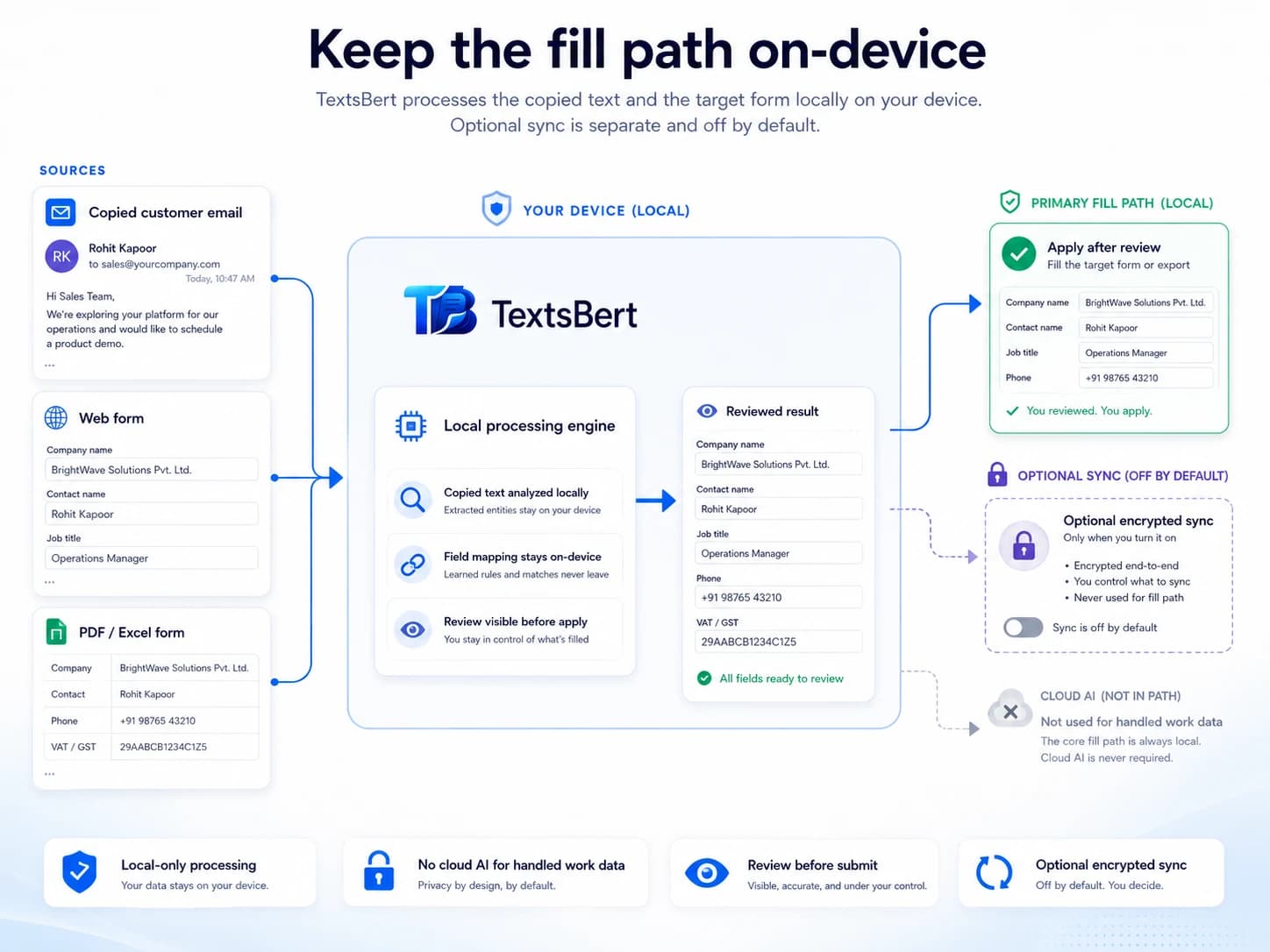
TextsBert combines copied text, saved details, selected page context, and learned behavior into one reviewable fill workflow.
TextsBert™ · Copied text · Selected page info · Profiles