


Finding a form autofill tool that respects privacy, integrates with complex workflows, or supports diverse input methods can block teams with specialized needs. Many popular services send data to third-party clouds, lack strong language support, or do not scale for high-volume automation without steep costs. This comparison matches key features, privacy models, and workflow compatibility so business professionals can pick a tool aligned with their daily document load.
Table of Contents
TextsBert
At a Glance
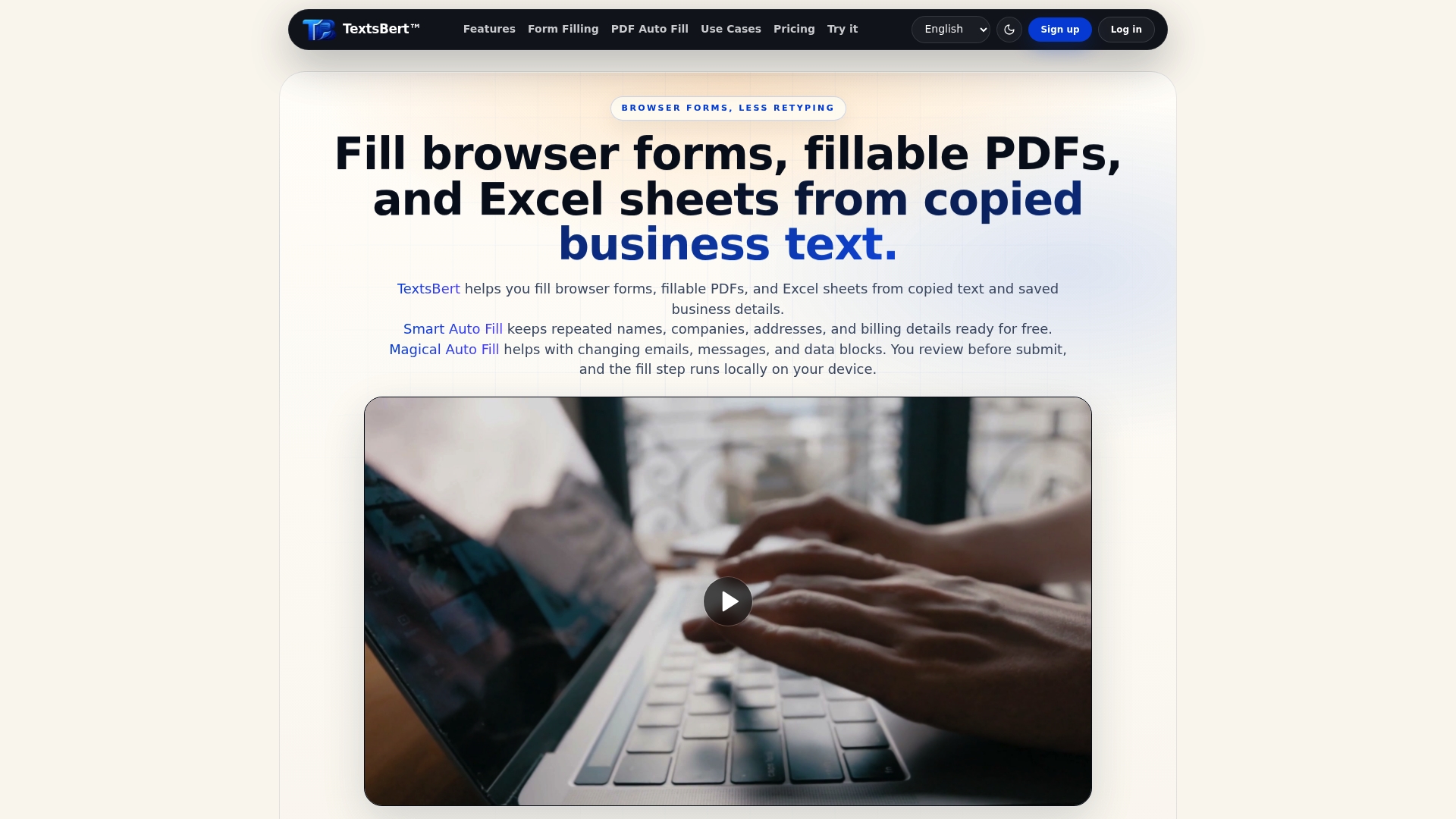
All form and document processing runs on your device, so no form data is sent to a cloud AI service. This local-only workflow keeps supplier and customer details off external servers. TextsBert handles browser forms, fillable PDFs, and Excel sheets while preserving a review step before submission.
Core Features
Automated autofill pulls from saved business details or from copied text and populates web forms, PDFs, and Excel sheets. The extension uses profiles and snippets so you can reuse company information across records while the review step gives you final control. Local data processing preserves privacy, and PRO adds encrypted sync and full document autofill.
Key Differentiator
Local-only processing prevents form data from leaving your device during the autofill path. That approach changes the risk profile for teams that handle sensitive billing or vendor data. The product pairs that privacy model with tools that parse messy source text so fills work from inconsistent emails and notes.
Pros
Keeping all data on device protects business information where cloud AI is not acceptable. Flexible workflows let you combine saved profiles with dynamic text parsing so you can fill varied forms without rebuilding templates. Support for PDF Auto Fill and Excel Auto Fill covers document workflows many browser-only tools miss. A review step gives you control before submission. The free baseline includes unlimited Smart Auto Fill for quick use.
Cons
- Requires browser extension installation and the associated permissions, which some IT policies restrict.
Who It’s For
Business professionals, administrative staff, and office managers who handle repetitive form and document entry daily will find this useful. Teams that process vendor onboarding, invoice intake, or customer records and that must keep data private will get the most value. People who need both control and repeatable fills without sending data to external services are the primary fit.
Unique Value Proposition
Magical Auto Fill parses messy, case-variable text so you can populate complex forms from inconsistent source material like emails or notes. That parsing cuts the time spent cleaning source text and reduces transcription errors. Combined with local processing and a mandatory review step, the feature lets you speed routine work without exposing data to third-party AI.
Real World Use Case
A vendor onboarding team copies a supplier email into the extension. TextsBert extracts the fields and populates the internal vendor form automatically. Team members review the parsed fields, correct any mismatches, and submit knowing the data never left their devices.
Pricing
A free plan offers unlimited Smart Auto Fill for browser forms and basic document parsing. The PRO plan costs €4.99/month and unlocks unlimited autofill for PDFs and Excel, encrypted sync, and unlimited profiles and snippets.
Website: https://textsbert.com
Instafill.ai
At a Glance
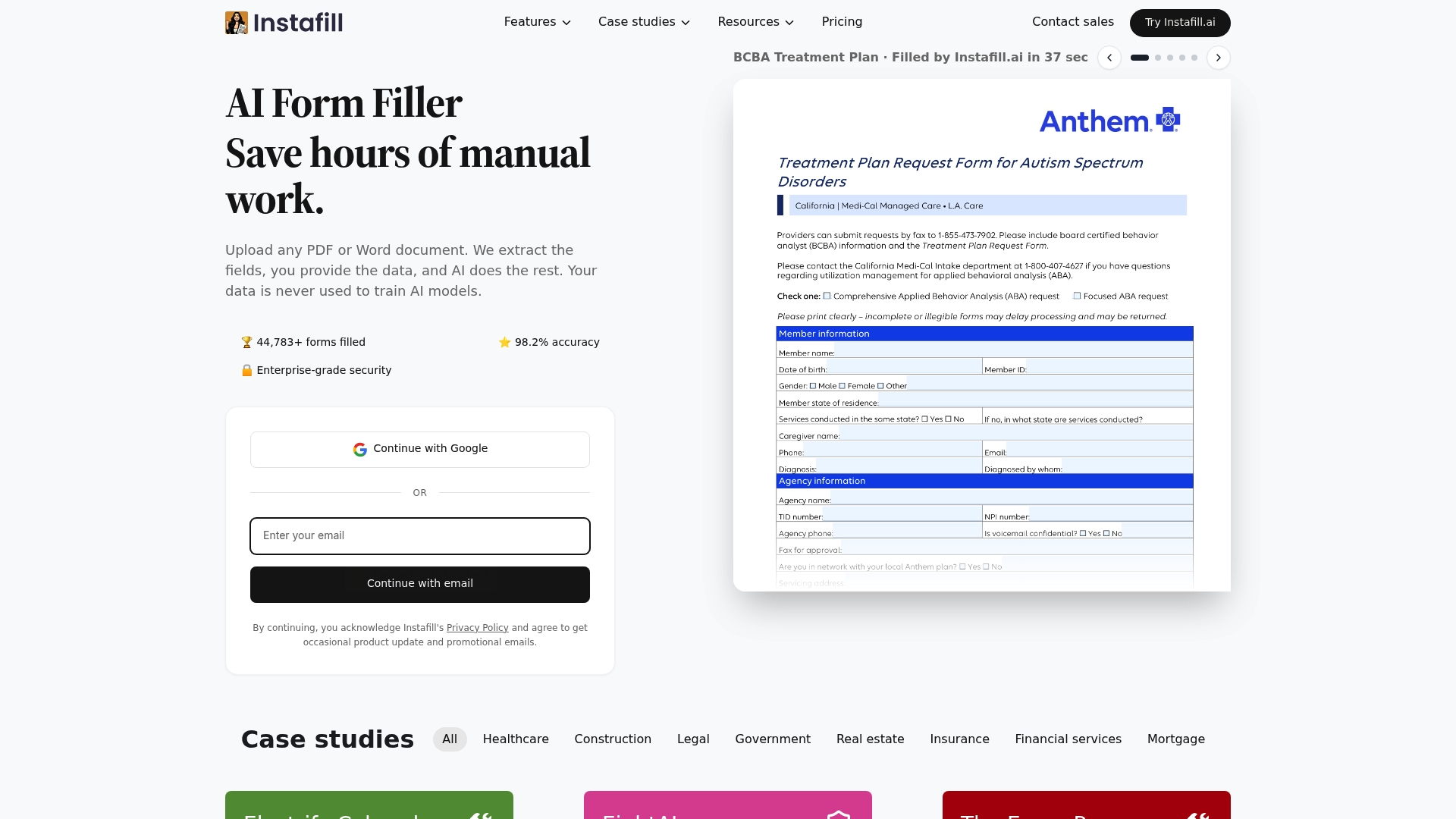
Instafill.ai reports 98.2% accuracy in third party reviews. It focuses on completing complex PDF and Word documents for healthcare, legal, government, real estate, and financial services. The platform advertises batch processing, intelligent field mapping, and API and webhook connectivity for high volume form workloads.
Core Features
Semantic mapping, field extraction, style replication, and AI training power the document understanding layer. Form filling supports fast sessions, multi source autofill, a visual editor, and Word document filling. The vendor advertises HIPAA, GDPR, and SOC 2 compliance while offering encryption, multi tenant separation, file organization, and PDF utilities.
Key Differentiator
According to the company, Instafill.ai uses large language models for semantic understanding and speed. That model based approach helps it map dense conditional fields across multi page documents with fewer manual rules. The result is a better fit for workflows that need context aware extraction rather than simple pattern matching.
Pros
That 98.2% accuracy claim translates to fewer manual corrections for teams handling repetitive legal or credentialing forms. The product handles conditional logic and dense structures, and its integrations support automation across API, webhooks, and third party automation tools. Security features and multi tenant data separation suit compliance sensitive operations while batch processing reduces hands on time for large batches.
Cons
- Full access requires paid plans, so free features are limited and not suitable for heavy production use.
- Some highly specialized or uncommon form templates need fine tuning or custom mapping before accuracy meets expectations.
- XFA forms are not supported, which blocks certain legacy government or vendor PDFs.
- Pricing can run high for very large volumes or complex enterprise workflows.
When It May Not Fit
If your organization relies on XFA forms, this product will not work for those documents. Teams that expect perfect out of the box handling for every niche form type should plan for manual mapping or extra training. Organizations with extremely large monthly volume should budget for higher tiers or enterprise pricing.
Notable Integrations
- API (RESTful)
- Webhooks
- n8n
- Zapier
- Browser extensions for Chrome and Edge
- Microsoft Power Automate
Who It’s For
Businesses and teams in legal, healthcare, government, real estate, and financial services that process high volume, complex forms will get the most value. Teams that need encrypted storage and tenant separation will appreciate the compliance features. Groups that already use automation tools like Zapier or Power Automate will integrate it into workflows with less friction.
Real World Use Case
A law firm automates client intake and legal document completion, cutting processing time from hours to minutes while keeping records secure. Intake fields and contract clauses map automatically across multi page forms. Staff spend less time on data entry and more time on client work.
Pricing
USD $99/month for the Professional plan, which covers 50 documents, and USD $299/month for the Business plan, which covers 100 documents. Higher tiers are available for larger volumes and enterprise commitments.
Website: https://instafill.ai
FillWise
At a Glance
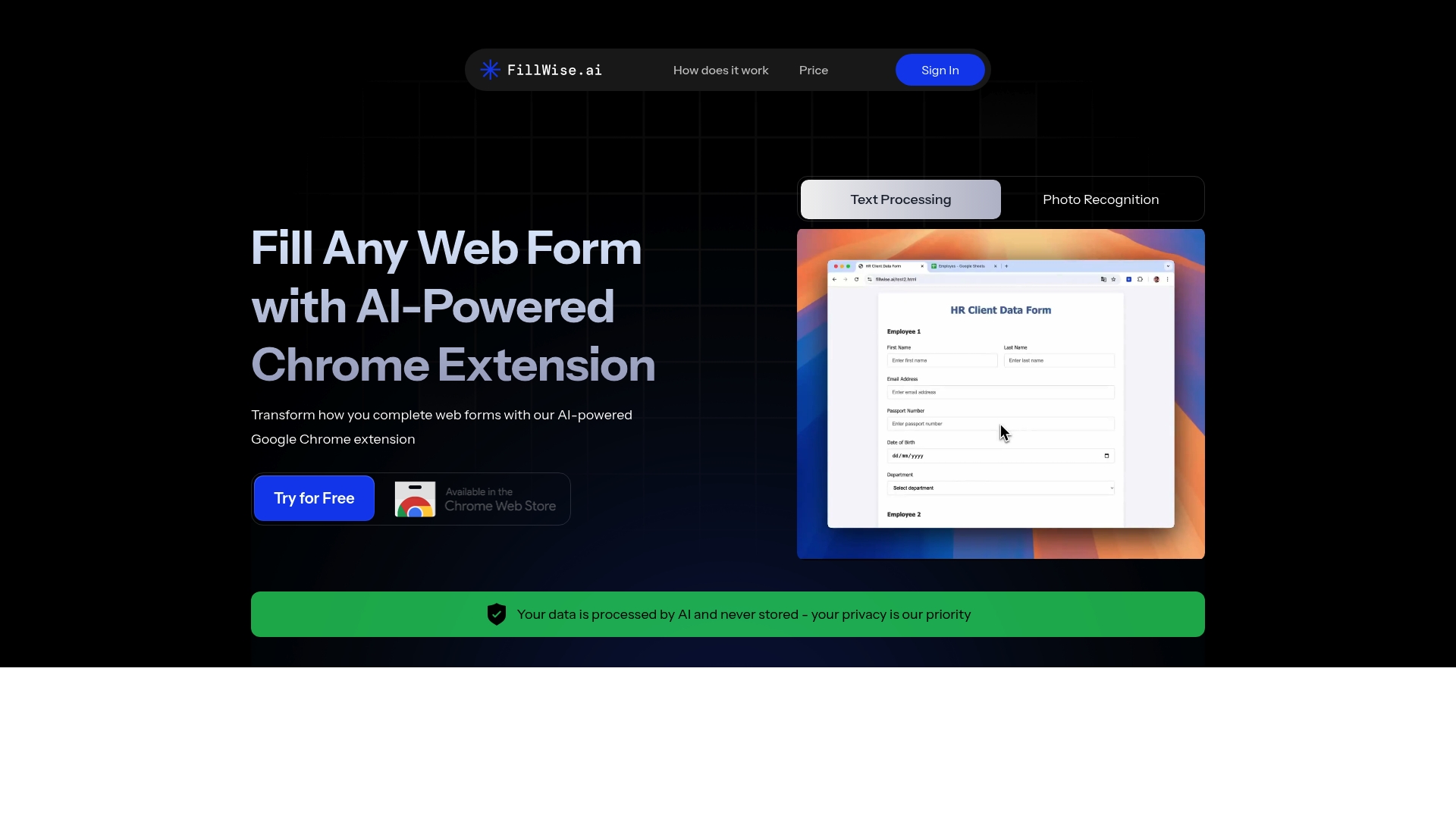
Supports over 100 languages and accepts both text and photo inputs for web form fields. The extension detects common field labels and maps client data to the correct entries. That capability speeds visa, recruitment, and finance forms for professionals handling many international submissions.
Core Features
The extension uses AI to recognize field types and populate entries from saved text or uploaded images. It supports more than 100 languages and diverse scripts, and it can auto translate your input to match the form language. Compatibility covers any website form fields that use standard inputs, so it works across most web apps.
Key Differentiator
Handling image and text input across over 100 languages is the primary edge. That lets teams drop passport scans or native script names and still populate forms that use non Latin scripts. The combination of image recognition and broad language coverage sets it apart from single input solutions.
Pros
Setup is instant and the extension activates in Chrome with minimal configuration. FillWise reports 99%+ accuracy matching data, which the vendor highlights for time sensitive workflows. It handles complex multilingual forms and diverse scripts, so recruiters and travel agents have fewer manual fixes. Flexible input options let you paste client details or upload ID photos, which speeds batch processing for routine tasks.
Cons
- AI can misinterpret complex or unconventional form layouts, according to third party reviews.
- Public details on data security certifications are limited, which complicates procurement for regulated teams.
- Very customized or heavily protected web forms may not populate correctly and can require manual entry.
When It May Not Fit
If your team relies on bespoke web forms or pages that block automation, FillWise may not work reliably. If procurement requires documented security certifications, the limited public detail on certifications could disqualify it. Large enterprises running critical custom web apps should test the extension thoroughly before deployment.
Who It’s For
Professionals and agencies that handle high volumes of online forms in multiple languages will get the most value. Recruiters, travel agents, insurance brokers, and small finance teams who repeat the same entries across sites benefit from faster throughput. Teams that need image based ID handling and multi language input will find it especially useful.
Real World Use Case
A travel agency automates visa application forms by dropping passport scans and client details into the extension. The AI reads the ID photo and fills the required fields, which reduces copy errors. Staff review entries before submission and spend less time on each application.
Pricing
FillWise does not list pricing publicly. The product page describes a Chrome extension but provides no clear tier or per seat rates. Contact the vendor to obtain licensing and deployment costs.
Website: https://fillwise.ai
Pendless
At a Glance
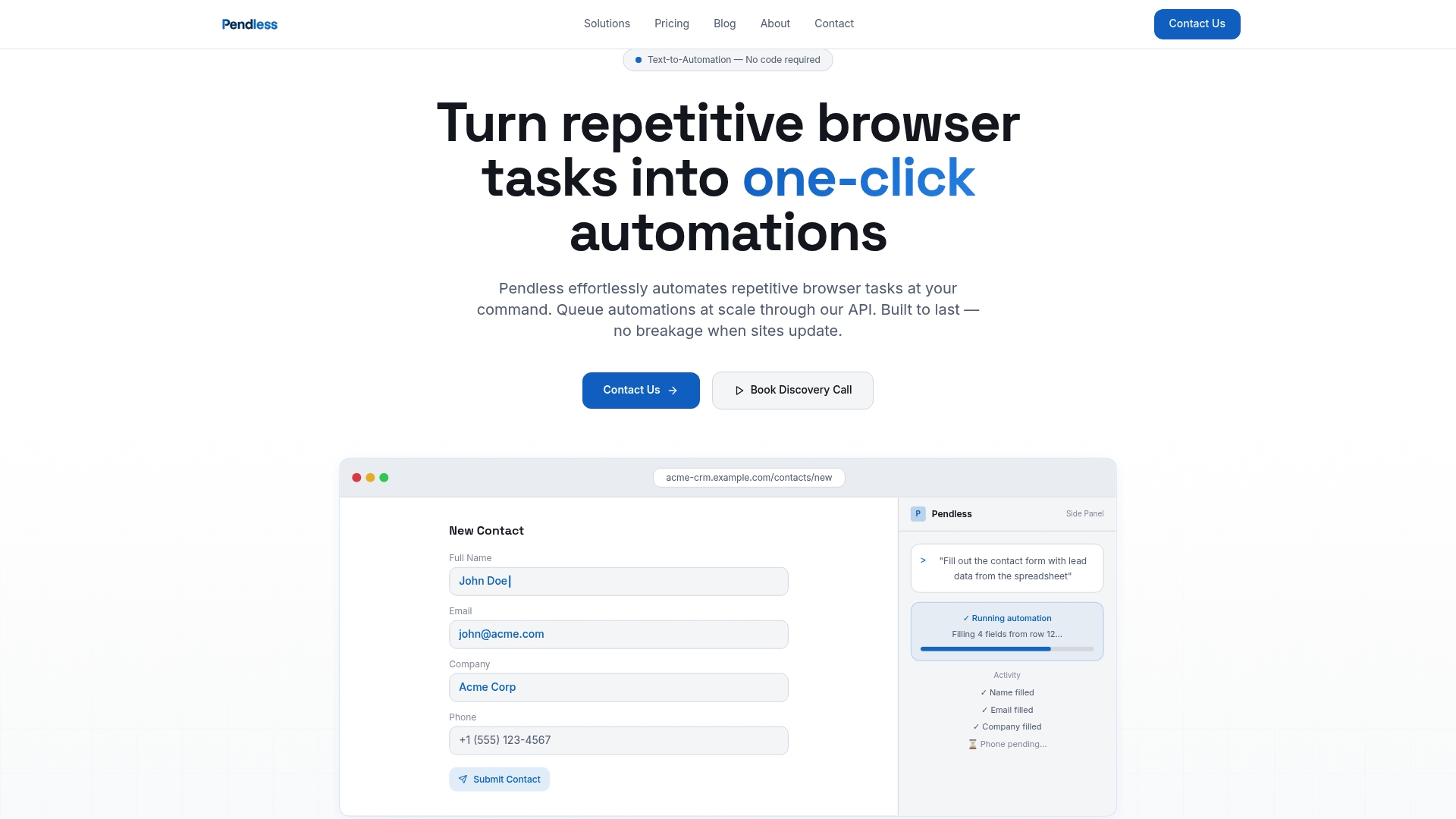
Runs inside Chrome and queues automations at scale through API. Users write plain English prompts to convert browser tasks into repeatable automations with no coding. The vendor says the tool reduces manual entry and error rates so teams can reclaim time previously spent on routine web work.
Core Features
Pendless uses Text-to-Automation so nontechnical team members can describe tasks in natural language and get a running automation. It automates form filling, structured data extraction, and multi-step web app actions while adapting to site changes. The platform also exposes an API to schedule and scale queued automations for higher volumes.
Key Differentiator
The defining trait is its plain language interface combined with reliability against website updates and API scalability. That focus makes it stronger for browser-only workflows where stability matters over long runs. It appeals to teams that want cloud-driven browser automation rather than local device processing like Textsbert.
Pros
No code is required, so colleagues who do not write scripts can build and run automations. The vendor advertises strong resilience to website changes, which lowers the maintenance overhead from broken selectors and brittle workflows. A public API lets operations teams queue hundreds of browser jobs and integrate those jobs into back-end processes. The approach reduces repetitive data entry and keeps human review where teams prefer it.
Cons
- Limited to web browser tasks. It cannot automate desktop-only or offline applications, which restricts some enterprise workflows.
- Pricing may be limiting for very high-volume automation at lower tiers. Teams that run continuous, large-scale scraping should model costs before committing.
- No built-in third-party integrations. Complex multi-system workflows require extra engineering or a middleware layer.
When It May Not Fit
If your workflows depend on native desktop apps or local file system automation, Pendless will not cover those needs. Organizations that require prebuilt integrations with many SaaS apps will find the lack of connectors limiting. Very large automation volumes could make the higher tiers costly compared with self-managed alternatives.
Who It’s For
Small to mid-sized teams that run repetitive browser tasks and want to avoid coding will get the most value. Product and operations teams that need reliable long-running browser jobs and an API for orchestration will find the platform suitable. IT teams that need on-device processing or deep connector ecosystems will prefer a different approach.
Real World Use Case
A vendor onboarding team uses Pendless to log into multiple supplier portals, extract registration fields, and populate a central spreadsheet. The automation runs nightly via the API queue and flags anomalies for human review. That process cuts manual entry time and reduces transcription errors across dozens of portals.
Pricing
Plans begin with a free trial and then move to tiered paid plans. Paid tiers range from $9.99 to $2,199 monthly depending on volume and API access. Contact sales for enterprise volume pricing and custom API throughput needs.
Website: https://pendless.com
Comparison of alternatives
Textsbert.com stands out due to its unique approach to local-only data processing, ensuring maximum privacy for sensitive workflows. Each alternative offers specialized strengths, catering to varying user requirements for handling form autofill tasks efficiently.
Data Privacy Versus Advanced Mapping
Textsbert.com excels in scenarios demanding the utmost privacy. With its local data processing, no information is transferred to external servers, ideal for professionals handling sensitive billing or vendor data. Conversely, Instafill.ai leverages large language models to provide advanced contextual form mapping, making it suitable for legal and credentialing requirements where detailed field extraction is critical, despite its reliance on cloud-based systems.
Multilingual Handling and Workflow Automation
FillWise distinguishes itself with support for over 100 languages, which makes it a preferred option for global agencies and recruiters dealing with diverse form submissions. This capability is complemented by its image recognition and auto-translation features. Pendless caters particularly to teams seeking to automate repetitive browser tasks without involving coding, emphasizing its plain language interface and scalability through API integrations, albeit limited to web-specific workflows.
Best fit
- Textsbert.com fits for professionals handling sensitive data who need reliable local processing and document autofill capabilities.
- Instafill.ai benefits organizations requiring advanced semantic mapping for high-complexity, multi-page document processing.
- FillWise suits multilingual processors and agencies that rely on auto-translation and broad language support.
- Pendless appeals to automation teams who need to streamline web-based workflows using natural language without coding expertise.
Our pick
Textsbert.com is ideal for teams and individuals prioritizing privacy and control in document autofill tasks. Its local-only processing ensures data security, making it a standout choice for sensitive workflows. However, for workflows requiring expansive language mapping or global multilingual support, considering alternatives like Instafill.ai or FillWise may offer better alignment with specific requirements.
When choosing the right document and form autofill software, compare features and compatibility to match the platform with your organization’s needs.
| Platform | Key Differentiator | Best For | Pricing | Notable Limitation |
|---|---|---|---|---|
| Textsbert | Local-only data processing | Teams requiring data privacy | Free, PRO at €4.99/month | Requires extension installation |
| Instafill.ai | High semantic accuracy for context-aware autofill | Organizations processing detailed PDFs | USD $99–$299/month | Lacks support for XFA forms |
| FillWise | Supports 100+ languages with image input | International form workflows | Price not published | Limited security documentation |
| Pendless | Text-to-automation interface | Non-coding repetitive task automation | USD $9.99–$2,199/month | Limited to browser-based tasks |
How to Solve AI Form Fill Challenges While Keeping Data Secure
Businesses handling vendor onboarding, invoice intake, and customer records face the challenge of repetitive form entries combined with strict privacy demands. Textsbert offers a local processing autofill tool that eliminates manual entry errors while keeping sensitive data on your device, avoiding cloud exposure. Its Smart and Magical Auto Fill features parse messy text and require review before submission, giving teams control and accuracy.
Benefit from autofill across browser forms, fillable PDFs, and Excel sheets without risking your data. With profiles and snippets, Textsbert meets the needs of business professionals, administrative staff, and office managers who demand privacy and efficiency. Learn how Textsbert protects your data and see how it handles complex form workflows with minimal setup.
Ready to reduce errors and save time on form processing? Visit Textsbert to start using Smart Auto Fill for your business today.
FAQ
How does Textsbert handle data privacy for form autofill?
Textsbert processes all form data locally, ensuring sensitive information remains on your device. This local-only workflow prevents form data from being sent to external servers, safeguarding supplier and customer details. Users can fill out forms with confidence, knowing their data is secure and private.
What is the difference between Textsbert and Instafill.ai?
Instafill.ai excels in semantic mapping and supports many complex PDF and Word documents, boasting a 98.2% accuracy rate. While Textsbert offers local-only processing that protects sensitive data, Instafill.ai’s strength lies in its context-aware field extraction for dense documents. Choose Textsbert for scenarios requiring strict data privacy.
Which form autofill software is better for multilingual support?
FillWise supports over 100 languages, making it ideal for users who need to handle international forms. In contrast, Textsbert focuses on local processing and security rather than extensive language coverage, maintaining privacy as its priority. Users requiring high language versatility should consider FillWise.
Can I use Textsbert if my organization needs document encryption?
Textsbert does not offer built-in encryption in its standard features, but it provides local data processing, which keeps personal data on user devices. Organizations prioritizing data encryption may want to explore the PRO plan of competitors like Instafill.ai, which includes strong security features.
How can Textsbert improve my team’s workflow for forms and documents?
Textsbert’s automated autofill can pull from saved business details or copied text, streamlining the process of filling out various forms. The software allows users to review entries before submission, ensuring accuracy and efficiency while handling repetitive tasks.