

Help guide · Help guide
Disable a specific field when one field should be left alone.
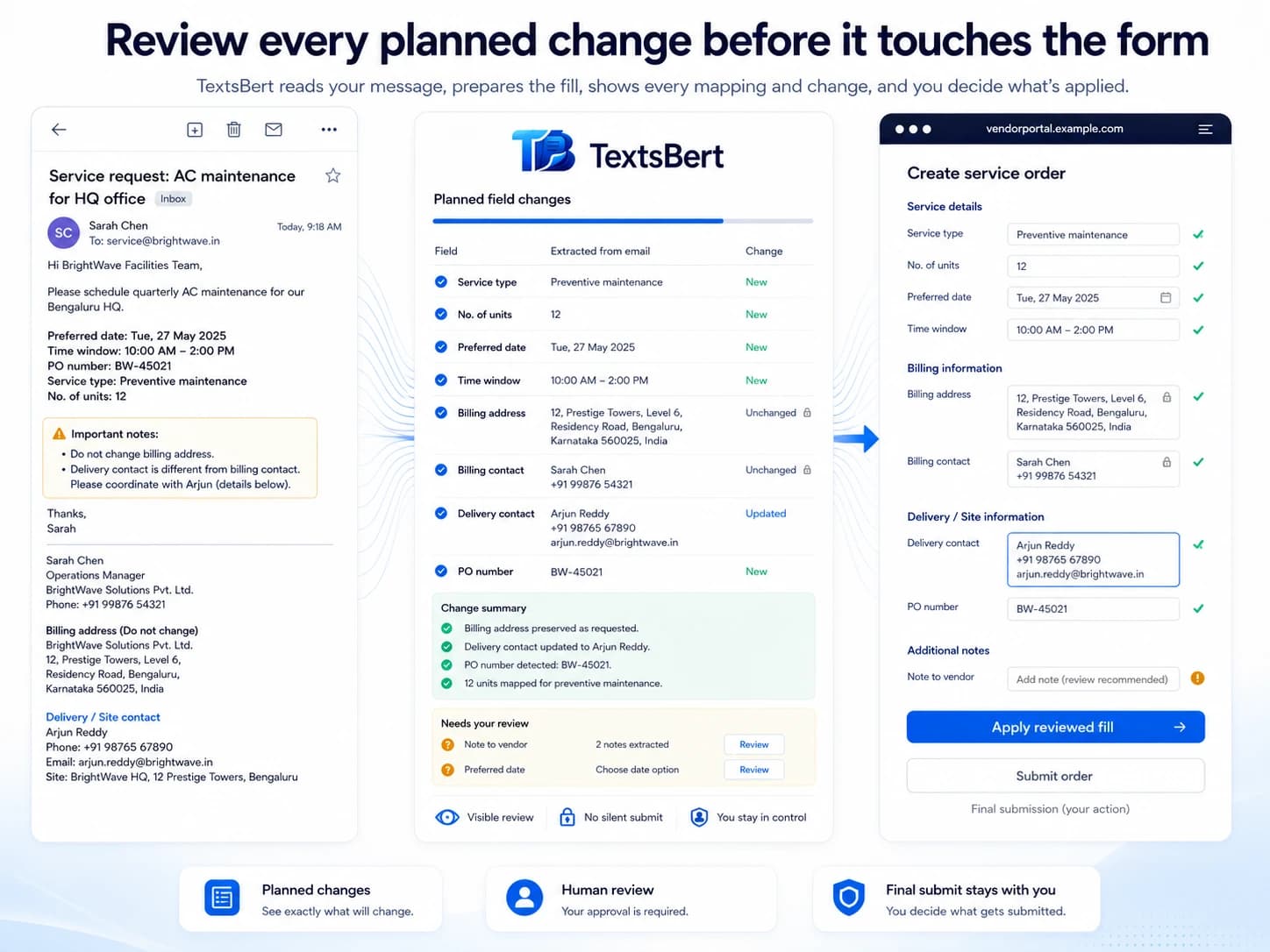
Use Disable a specific field when the page is generally fine but one field should not be touched by TextsBert.
Field-level controlSensitive fieldsPortal exceptionsSafer filling


This is the narrow control for one awkward or sensitive field without disabling the whole site.
This page explains how local backup, export, and import keep reusable TextsBert setup portable without turning recovery into invisible background syncing.
01
When this is the better choice
Use the field-level control when most of the form is useful, but one field is unreliable, too sensitive, or simply better handled manually.
- One field behaves differently from the rest of the form
- A field is too sensitive for the main fill flow
- You want to keep the rest of the page active
02
Why it matters
Field-level disable keeps the workflow practical. You do not need to give up on the whole portal just because one awkward field needs special treatment.
- Keep useful fields active
- Leave one awkward field under manual control
- Reduce friction without forcing blind automation
Related pages