

New customer details should not start with manual field gymnastics.
Copy the full lead or customer email. Trigger Fill. Review the prepared CRM form. TextsBert helps turn natural customer messages into contact, company, request, and follow-up fields without a cloud AI detour in the fill path.


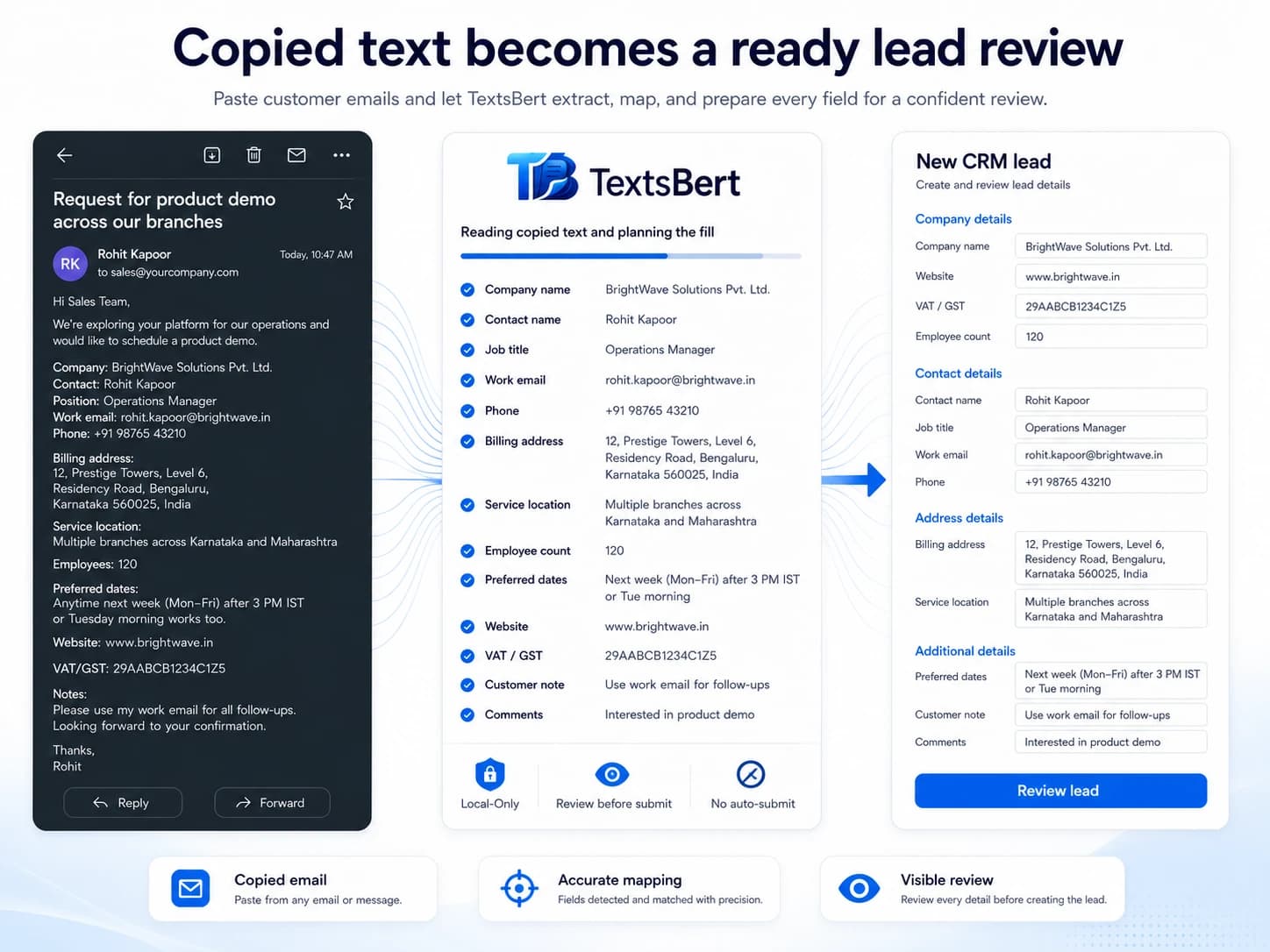
Copied customer inquiry
Subject: Request for demo and pricing

Hello,
we are looking for a browser-based workflow tool for our operations team and would like to schedule a short demo.

Company: Havelin Logistics Ltd. Contact person is Priya Menon, Head of Operations. Email: priya.menon@havelin-logistics.co.uk. Phone: +44 20 7946 1830.

We have about 38 team members working with supplier portals and customer forms. Main interest: reducing repeated copy-paste from emails into browser tools. Preferred contact time is Wednesday morning. Region: UK. Budget owner is Mark Ellis from Procurement.

Please create the CRM record and send available demo slots.

Best regards
Priya Menon
Prepared CRM form
Lead contact
Company
Opportunity
A lead arrives in human language. The CRM wants tiny labeled boxes.
Customer details often arrive as emails, tickets, contact-form notifications, or forwarded notes. The information is useful, but it is wrapped in sentences. Then the CRM asks for company, contact, role, phone, source, request, owner, and notes as if the email did not just say all of that.
Lead and customer details arrive mixed with context, questions, timing preferences, and signatures.
CRM forms need structured fields, but humans rarely write in CRM field order.
The team still needs a final review so the customer record starts clean and useful.
Customer message in. CRM-ready fields prepared.
TextsBert can work from the full copied customer email and prepare the fields a browser-based CRM or contact system is asking for.
Contact fields
Names, roles, emails, phone numbers, and departments can be separated from the surrounding inquiry text.
Company fields
Company names, regions, team size clues, industry notes, and budget-owner details can move into the record.
Opportunity fields
Requests, product interest, preferred timing, source notes, and follow-up instructions can stay connected to the customer record.
Copy the whole email. Trigger Fill. Keep the final say.
The workflow is meant to handle normal business emails, not only tidy little data blocks. TextsBert reads the copied message locally and prepares the fields that match the CRM form.
Copy the whole email
Highlight the full message instead of hunting for a perfect data block. Greetings, notes, signatures, references, and extra context can stay in the copy.
Open the browser form
Go to the portal, CRM, admin screen, order form, or internal browser tool where the details need to land.
Trigger Fill
TextsBert works from the copied email on your device and prepares matching fields from the useful details inside it.
Review and submit yourself
You keep the final look. TextsBert helps prepare the form; the submit button stays your decision, not a tiny software coup.
Clear copied details make form filling easier to review.
TextsBert works best when copied details are clear enough to review. Natural emails, structured notes, and portal text can all feed the same form filling workflow.
The email does not need a cloud tour to become a form fill.
In a very cloud-happy scene, TextsBert takes the local route where it matters: during the fill. Copied business content is handled on your device, the prepared form stays visible, and the final submit stays with you.
Add first. Then try it on a practice form.
Install TextsBert, allow it on the practice page if Chrome asks, copy the sample message, trigger fill, and review the result. Practice forms are there so the first run does not need real customer or supplier data.
More ways to turn customer messages into usable browser forms.
Email to form filling
The flagship workflow for copying a full customer email and turning it into a reviewed browser-form fill.
Admin data entry
Internal requests and records can be prepared from full copied messages too.
Practice forms
Install first, then test TextsBert with safe sample data and browser forms built for practice.