

Fill guest and reception details faster.
Reception work has repeating guest details, arrival notes, invoice addresses, room preferences, and late changes. The work is fast, but the fields still pile up.


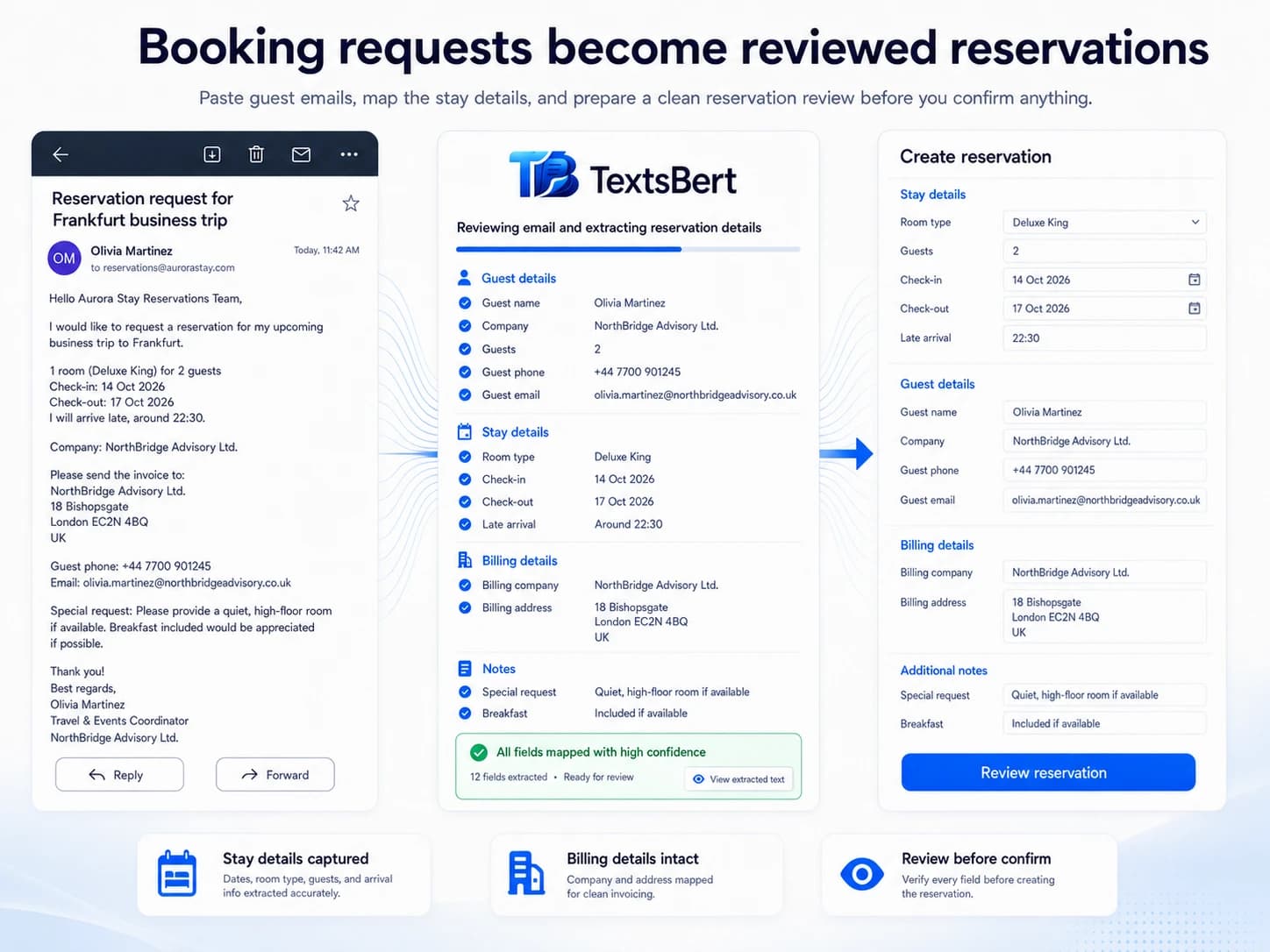
The data arrives in one shape. The form wants another.
Reception work has repeating guest details, arrival notes, invoice addresses, room preferences, and late changes. The work is fast, but the fields still pile up.
- ✓The source is written for humans.
- ✓The destination expects structured fields.
- ✓TextsBert helps prepare the fill for review.
Guest: Daniel Iversen
Arriving: 19:45 tonight
Company invoice: Northbridge Labs
Room: quiet room away from elevator
Note: needs parking confirmation
From copied message to reviewed fields
TextsBert reduces the repetitive movement between message, portal, PDF, and browser form while keeping review in front of the user.
Smart Auto Fill
Use saved details for stable, repeated fields.
Magical Auto Fill
Use copied messages or data blocks when the details change.
Manual submit
TextsBert prepares. You review and submit.
Less field-by-field handling
The gain comes from repeated minutes: fewer copy-paste loops, fewer tab switches, and less manual splitting of details.
- ✓Less repeated typing
- ✓Less switching between message and form
- ✓Faster review of the important fields
- ✓Less pressure to add extra admin hours
Local fill path for sensitive daily work
Customer and business details can be sensitive. TextsBert uses the copied text locally when you trigger fill and does not use cloud AI to decide what goes where.
Test the workflow before real data gets involved.
Install TextsBert, open the practice page, copy sample text, Trigger Fill, and review the prepared fields before submitting.