

Supplier emails arrive human. Portals ask like machines.
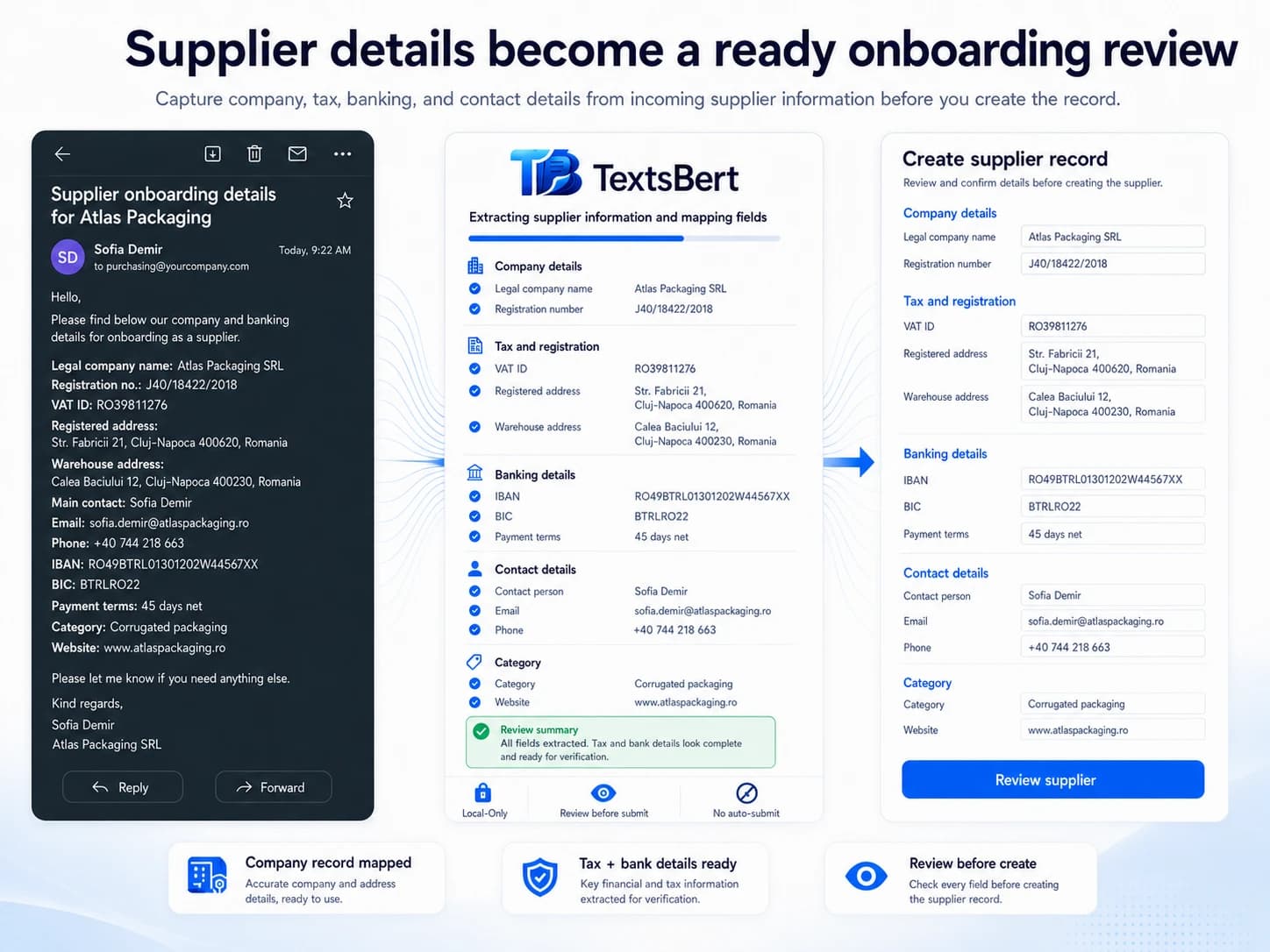
Copy the full supplier email. Trigger Fill. Review the prepared vendor form. TextsBert helps move company details, contacts, addresses, tax references, bank fields, and notes from normal supplier messages into browser forms.


Copied supplier details email
Subject: Supplier details for onboarding

Hello,
as discussed, here are our company details for your supplier portal.

Company name: LumenCraft Components GmbH. Registered address: Feldstraße 72, 33602 Bielefeld, Germany. Main contact is Tobias Meier, Supplier Relations, t.meier@lumencraft-components.de, +49 521 774029.

VAT ID: DE287441903. Tax number: 305/5821/1194. Bank account for payments: IBAN DE16500105170648489890, BIC INGDDEFFXXX. Payment terms: 14 days net.

For deliveries, please use our warehouse at Logistikzentrum Ost, Am Güterbahnhof 12, 33719 Bielefeld. Delivery contact: Selin Aydin, +49 521 774088.

Please add the supplier category as electronic components and reference LC-NEW-2026.

Kind regards
Tobias Meier
Prepared vendor form
Supplier company
Tax and payment
Contacts and delivery
Supplier details are usually complete. They are just not arranged for the portal.
Vendor onboarding and supplier forms ask for company data, contacts, tax details, payment fields, delivery locations, categories, and references. The supplier sends it all in an email. The portal pretends it has never seen a paragraph before.
Supplier data is sensitive enough to deserve local handling and visible review.
Company, tax, payment, and delivery details often arrive in one normal email.
The portal field order rarely matches how suppliers naturally write their message.
Supplier email in. Vendor fields prepared.
TextsBert can work from the full copied supplier email and prepare the fields common vendor portals and onboarding forms ask for.
Company and contacts
Supplier names, registered addresses, departments, contacts, emails, and phone numbers can be separated from the message.
Tax and payment fields
VAT IDs, tax numbers, IBANs, BICs, and payment terms can stay visible in the prepared form for review.
Delivery and category details
Warehouses, delivery contacts, supplier categories, notes, and onboarding references can move into the right part of the form.
Copy the whole email. Trigger Fill. Keep the final say.
The workflow is meant to handle normal business emails, not only tidy little data blocks. TextsBert reads the copied message locally and prepares the fields that match the supplier or vendor form.
Copy the whole email
Highlight the full message instead of hunting for a perfect data block. Greetings, notes, signatures, references, and extra context can stay in the copy.
Open the browser form
Go to the portal, CRM, admin screen, order form, or internal browser tool where the details need to land.
Trigger Fill
TextsBert works from the copied email on your device and prepares matching fields from the useful details inside it.
Review and submit yourself
You keep the final look. TextsBert helps prepare the form; the submit button stays your decision, not a tiny software coup.
Clear copied details make form filling easier to review.
TextsBert works best when copied details are clear enough to review. Natural emails, structured notes, and portal text can all feed the same form filling workflow.
The email does not need a cloud tour to become a form fill.
In a very cloud-happy scene, TextsBert takes the local route where it matters: during the fill. Copied business content is handled on your device, the prepared form stays visible, and the final submit stays with you.
Add first. Then try it on a practice form.
Install TextsBert, allow it on the practice page if Chrome asks, copy the sample message, trigger fill, and review the result. Practice forms are there so the first run does not need real customer or supplier data.
More pages for business details that should not be retyped all day.
Billing and delivery addresses
Split invoice and delivery details from customer emails into reviewed address fields.
Email to form filling
The flagship workflow for copying a full customer email and turning it into a reviewed browser-form fill.
Practice forms
Install first, then test TextsBert with safe sample data and browser forms built for practice.